> ## Documentation Index
> Fetch the complete documentation index at: https://docs.parchmenthealth.io/llms.txt
> Use this file to discover all available pages before exploring further.
# Validate integration
> Validate integration token and mark organization as integrated
## Why invoke the endpoint?
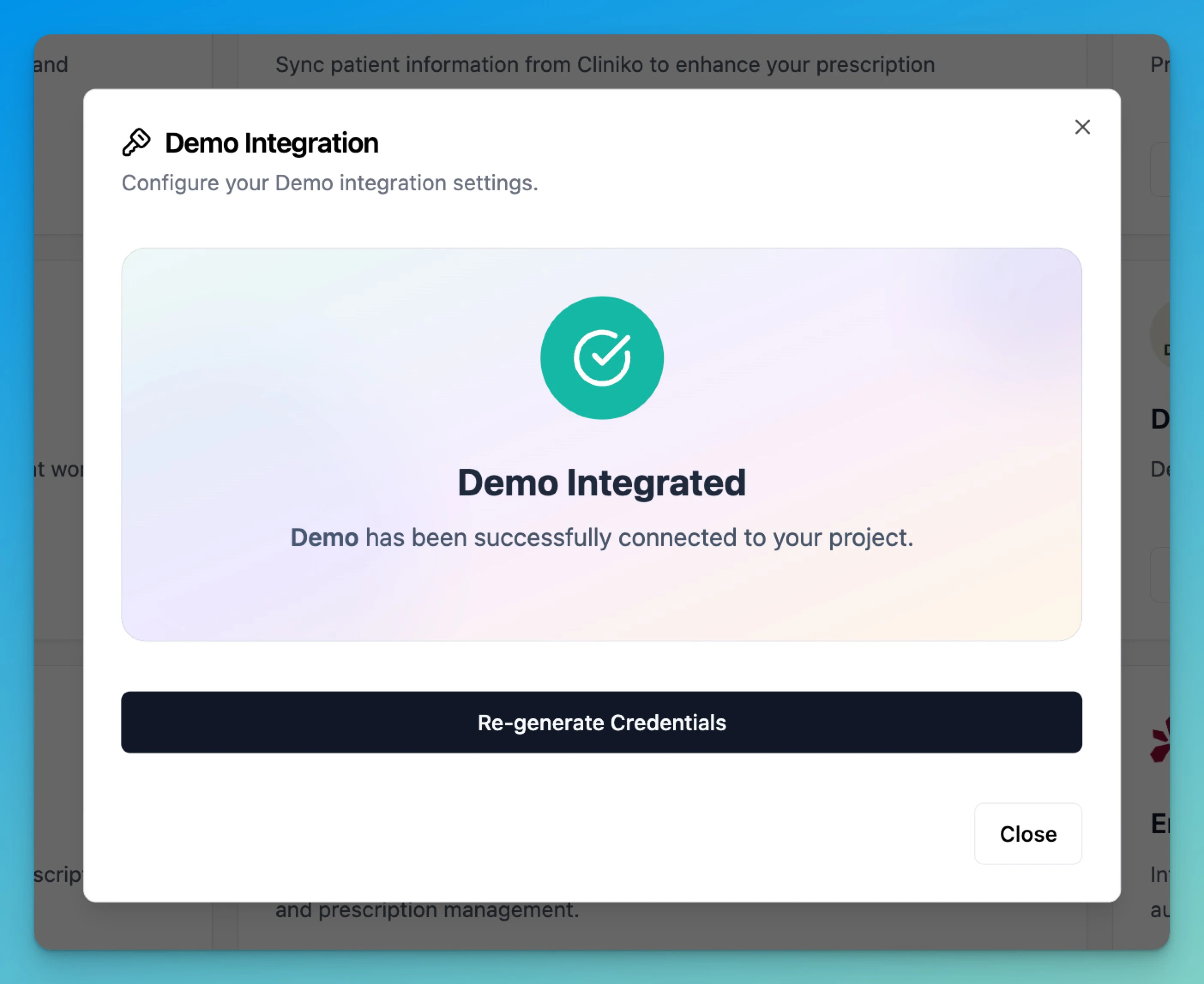
This enpoint allows partners to check if they have the right credentials and gives users an indication of successful integration.
**Required for webhooks.** Until `/validate` succeeds for an organization, no [webhooks](/webhooks/webhook-integration) are sent for it.
## Response Examples
### Success Response (200 OK)
```json theme={null}
{
"success": true,
"statusCode": 200,
"data": {
"validated": true
},
"message": "Successfully validated token",
"timestamp": "2024-01-15T10:30:00.000Z",
"requestId": "req_1705312200000_xyz123"
}
```
### Invalid Token (401 Unauthorized)
```json theme={null}
{
"success": false,
"statusCode": 401,
"error": {
"type": "https://parchment.health/errors/authentication-required",
"title": "Unauthorized",
"detail": "invalid token"
},
"timestamp": "2024-01-15T10:30:00.000Z",
"requestId": "req_1705312200000_abc123"
}
```
### Missing Organization Secret (401 Unauthorized)
```json theme={null}
{
"success": false,
"statusCode": 401,
"error": {
"type": "https://parchment.health/errors/authentication-required",
"title": "Unauthorized",
"detail": "Missing x-organization-secret"
},
"timestamp": "2024-01-15T10:30:00.000Z",
"requestId": "req_1705312200000_def456"
}
```
## Validation Process
The endpoint performs an 8-step validation process:
1. **Organization ID Validation** - Verifies organization ID parameter is present
2. **Organization Secret Check** - Validates x-organization-secret header presence
3. **Bearer Token Check** - Ensures Authorization header contains valid Bearer token
4. **JWT Token Verification** - Verifies token signature using RS256 algorithm
5. **Partner Credentials Lookup** - Retrieves partner metadata from database
6. **Organization Secret Validation** - Compares hashed organization secret
7. **Scope Validation** - Ensures token has required CREATE\_PATIENT scope
8. **Organization Ownership Check** - Verifies user access to their organization
## Required Headers
| Header | Required | Description |
| ----------------------- | ---------- | ------------------------------------------- |
| `Authorization` | Yes | Bearer token with JWT authentication token |
| `x-organization-secret` | Yes | Organization-specific secret for validation |
| `x-partner-secret` | Deprecated | Use x-organization-secret instead |
## Path Parameters
| Parameter | Type | Required | Description |
| ----------------- | ------ | -------- | -------------------------------------- |
| `organization_id` | string | Yes | Unique identifier for the organization |
## Status Codes
| Code | Status | Description |
| ----- | --------------------- | ------------------------------------------------------------------ |
| `200` | OK | Token successfully validated and organization marked as integrated |
| `400` | Bad Request | Deprecated header used or invalid request format |
| `401` | Unauthorized | Invalid token, missing credentials, or insufficient permissions |
| `500` | Internal Server Error | Validation service failure |
## Integration Side Effects
Upon successful validation, this endpoint automatically:
* **Marks Organization as Integrated**: Updates the organization record with integrated PMS status
* **Logs Integration Event**: Records "New Partner Integration" metric for monitoring
* **Enables Full API Access**: Subsequent API requests will have full access to approved scopes
## Error Handling
### Recommended Implementation
```javascript theme={null}
async function validateIntegration(organizationId, token, organizationSecret) {
try {
const response = await fetch(`/v1/organizations/${organizationId}/validate`, {
method: 'GET',
headers: {
'Authorization': `Bearer ${token}`,
'x-organization-secret': organizationSecret
}
});
const result = await response.json();
if (response.ok && result.success && result.statusCode === 200) {
console.log('Integration validated successfully');
console.log('Organization is now marked as integrated');
return { validated: result.data.validated, message: result.message };
} else {
console.error('Validation failed:', result.error?.detail);
// Handle specific error types
switch (result.statusCode) {
case 401:
if (result.error?.detail?.includes('scope')) {
console.error('Token missing required CREATE_PATIENT scope');
} else if (result.error?.detail?.includes('secret')) {
console.error('Invalid or missing organization secret');
} else {
console.error('Authentication failed - check token validity');
}
break;
case 400:
if (result.error?.detail?.includes('deprecated')) {
console.warn('Update to use x-organization-secret header');
}
break;
default:
console.error('Unexpected validation error');
}
// Always log requestId for debugging
console.log('Request ID:', result.requestId);
return { validated: false, error: result.error };
}
} catch (error) {
console.error('Network error during validation:', error);
return { validated: false, error: 'Network error' };
}
}
```
## Integration Notes
1. **One-Time Setup**: This endpoint is typically called once during initial integration setup
2. **Token Requirements**: Ensure your JWT token includes the `CREATE_PATIENT` scope
3. **Organization Secret**: Use the organization-specific secret, not the deprecated partner secret
4. **Automatic Integration**: Successful validation automatically enables your organization for API access
5. **Debugging**: Always log the `requestId` from error responses for support requests
6. **Token Expiry**: Tokens are valid for 6 hours; validation will fail with expired tokens
## Security Considerations
* **JWT Verification**: Tokens are verified using RS256 algorithm with rotating public keys
* **Secret Hashing**: Organization secrets are validated using HMAC-SHA256 with salt
* **Scope Enforcement**: Only tokens with appropriate scopes can validate successfully
* **Organization Isolation**: Users can only validate tokens for their own organizations
## OpenAPI
````yaml GET /v1/organizations/{organization_id}/validate
openapi: 3.0.1
info:
title: Parchment APIs
description: >-
Parchments API documentation for partner integrations, enabling secure
e-prescription services
license:
name: MIT
version: 1.0.0
servers:
- url: https://api.sandbox.parchmenthealth.io/external
- url: https://api.parchmenthealth.io/external
security:
- bearerAuth: []
paths:
/v1/organizations/{organization_id}/validate:
get:
description: Validate integration token and mark organization as integrated
parameters:
- name: x-organization-secret
in: header
required: true
description: Organization secret for authentication - provided by Parchment
schema:
type: string
- name: organization_id
in: path
required: true
description: Organization ID
schema:
type: string
format: uuid
responses:
'200':
description: Token validation successful and organization marked as integrated
content:
application/json:
example:
success: true
statusCode: 200
data:
validated: true
message: Successfully validated token
timestamp: '2024-01-15T10:30:00.000Z'
requestId: req_1705312200000_xyz123
'401':
description: >-
Unauthorized - invalid token, missing credentials, or insufficient
permissions
content:
application/json:
schema:
$ref: '#/components/schemas/Error'
examples:
invalid_token:
summary: Invalid or expired token
value:
success: false
statusCode: 401
error:
type: https://parchment.health/errors/authentication-required
title: Unauthorized
detail: invalid token
timestamp: '2024-01-15T10:30:00.000Z'
requestId: req_1705312200000_def456
missing_secret:
summary: Missing organization secret
value:
success: false
statusCode: 401
error:
type: https://parchment.health/errors/authentication-required
title: Unauthorized
detail: Missing x-organization-secret
timestamp: '2024-01-15T10:30:00.000Z'
requestId: req_1705312200000_ghi789
'500':
description: Internal server error
content:
application/json:
schema:
$ref: '#/components/schemas/Error'
example:
success: false
statusCode: 500
error:
type: https://parchment.health/errors/internal-server-error
title: Internal Server Error
detail: An unexpected error occurred during validation
timestamp: '2024-01-15T10:30:00.000Z'
requestId: req_1705312200000_mno345
components:
schemas:
Error:
$ref: '#/components/schemas/ExternalApiErrorResponse'
ExternalApiErrorResponse:
type: object
required:
- success
- statusCode
- error
- timestamp
- requestId
properties:
success:
type: boolean
description: Indicates if the request was successful
example: false
statusCode:
type: integer
description: HTTP status code
example: 400
code:
type: string
description: Machine-readable operation code identifying the error
example: RESOURCE_NOT_FOUND
error:
type: object
description: RFC 7807 compliant error details
required:
- type
- title
- detail
properties:
type:
type: string
format: uri
description: URI identifying the problem type
example: https://parchment.health/errors/validation-error
title:
type: string
description: Human-readable summary of the problem
example: Validation failed
detail:
type: string
description: Human-readable explanation of the problem
example: There were some problems with your input.
instance:
type: string
format: uri
description: URI reference to the specific occurrence
example: /patients/123
validation:
type: array
description: Field-level validation errors (for 422 responses)
items:
type: object
properties:
field:
type: string
description: Field name that failed validation
message:
type: string
description: Validation error message
code:
type: string
description: Error code for programmatic handling
timestamp:
type: string
format: date-time
description: ISO 8601 timestamp of the response
example: '2024-01-15T10:30:00.000Z'
requestId:
type: string
description: Unique identifier for request tracing
example: req_1705312200000_def456
meta:
type: object
description: Additional response metadata
properties:
apiVersion:
type: string
description: API version used
example: '1.0'
securitySchemes:
bearerAuth:
type: http
scheme: bearer
````