> ## Documentation Index
> Fetch the complete documentation index at: https://docs.parchmenthealth.io/llms.txt
> Use this file to discover all available pages before exploring further.
# Token Creation
> How to create partner authentication tokens
# Partner Token Creation
This guide explains how to generate authentication tokens for the Parchment API using the `/v1/token` endpoint.
## Credentials Setup
Before you can generate tokens, you need to obtain your partner credentials:
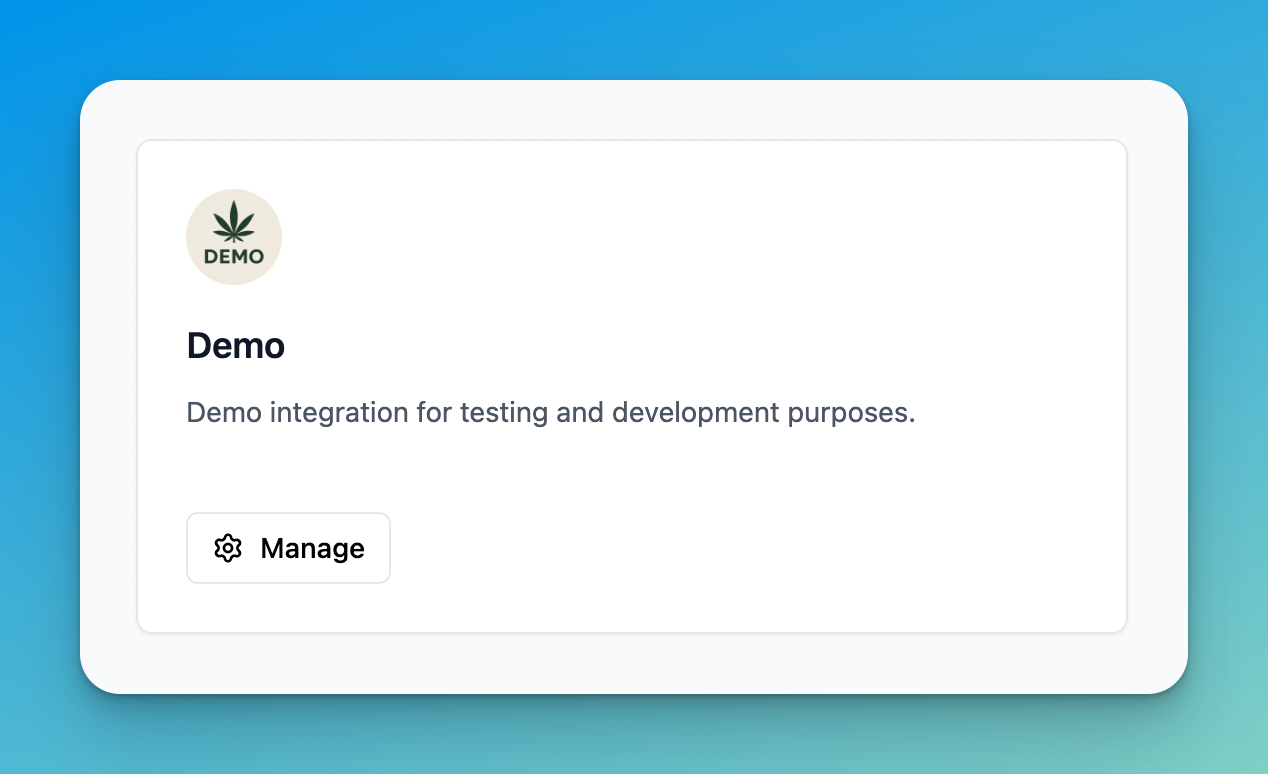
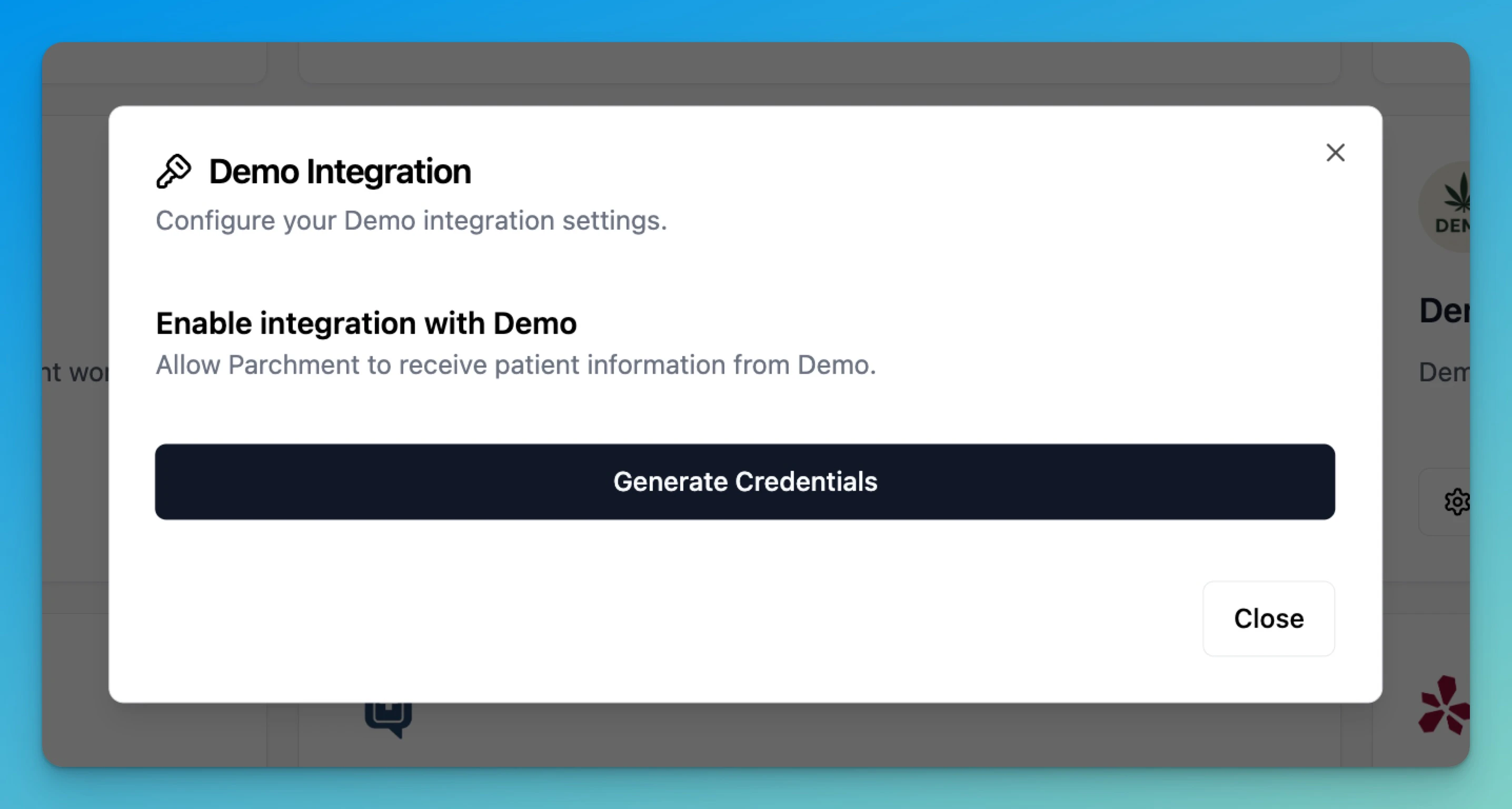
1. Navigate to **Settings > Organisation > Edit > Partner Integrations** in your sandbox environment
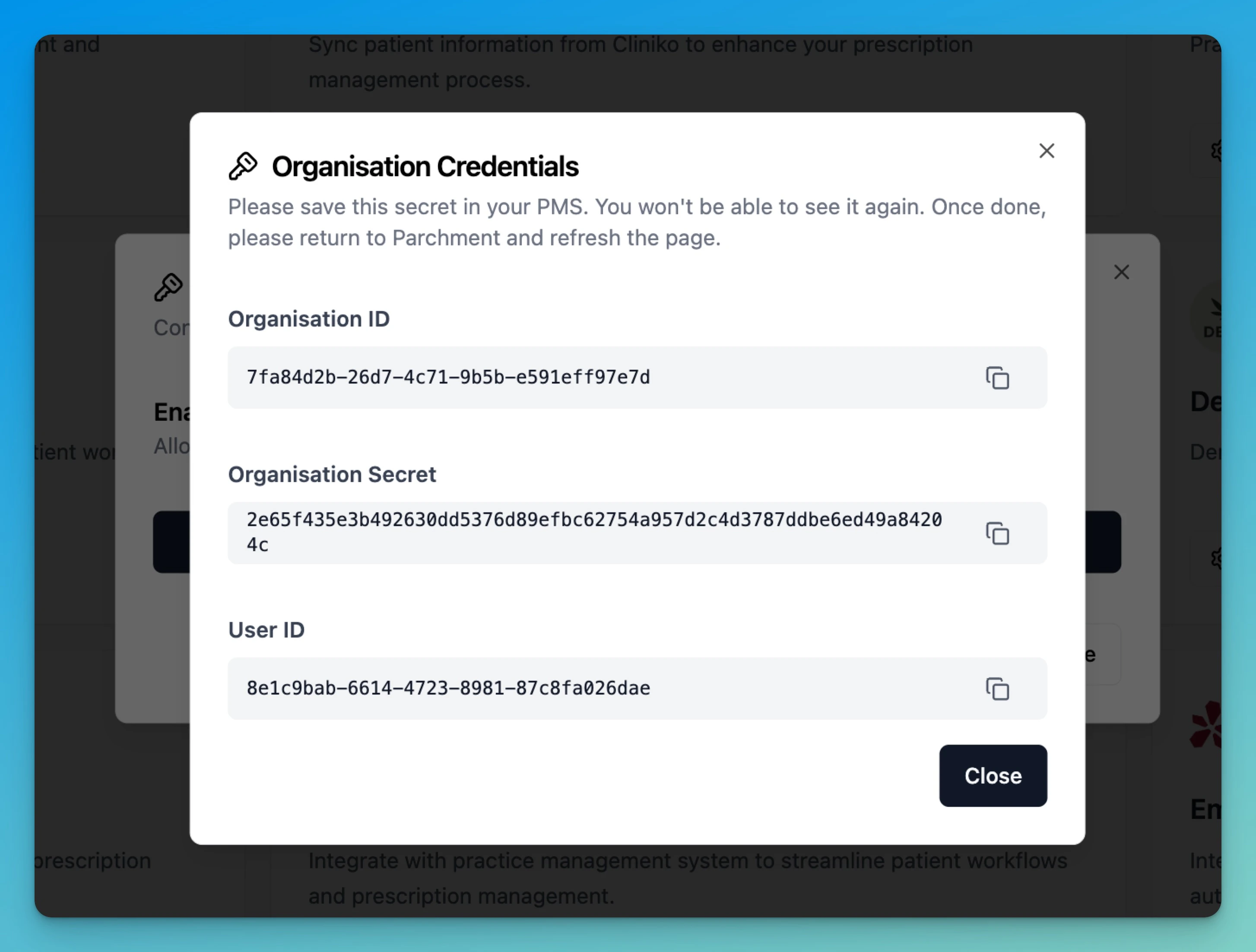
2. Copy the partner credentials: `organization_id`, `organization_secret`, and `user_id`
**Keep these credentials on your backend.** Do not embed `organization_secret` (or any partner secret) in browser/mobile client code, and do not call Parchment endpoints directly from a frontend. The API is server-to-server only — CORS is not enabled, and any credential exposed to the client can be read by end users and used to impersonate your organization. Proxy all calls through your server.
## Token Request
To generate an access token, make a POST request to `/v1/token` with the required headers and request body.
### Required Headers
| Header | Description |
| ----------------------- | ----------------------------------------- |
| `x-partner-id` | Partner ID provided by Parchment |
| `x-partner-secret` | Partner secret provided by Parchment |
| `x-organization-id` | Organization ID provided by Parchment |
| `x-organization-secret` | Organization secret provided by Parchment |
| `x-user-id` | User ID provided by Parchment |
### Request Body
```json theme={null}
{
"grantType": "client_credentials",
"scope": ["create:patient", "read:patient_prescription"]
}
```
| Field | Type | Required | Description |
| ----------- | --------- | -------- | ------------------------------------- |
| `grantType` | string | Yes | Must be `client_credentials` |
| `scope` | string\[] | Yes | Array of permission scopes to request |
### Available Scopes
See [Authentication Scopes](/authentication/partner/scopes) for a complete list of available scopes.