
GET
/
v1
/
organizations
/
{organization_id}
/
validate
cURL
curl --request GET \
  --url https://api.dev.parchmenthealth.io/external/v1/organizations/{organization_id}/validate \
  --header 'Authorization: Bearer <token>' \
  --header 'x-organization-secret: <x-organization-secret>'
{
"success": true,
"statusCode": 200,
"data": {
"validated": true
},
"message": "Successfully validated token",
"timestamp": "2024-01-15T10:30:00.000Z",
"requestId": "req_1705312200000_xyz123"
}

Why invoke the endpoint?

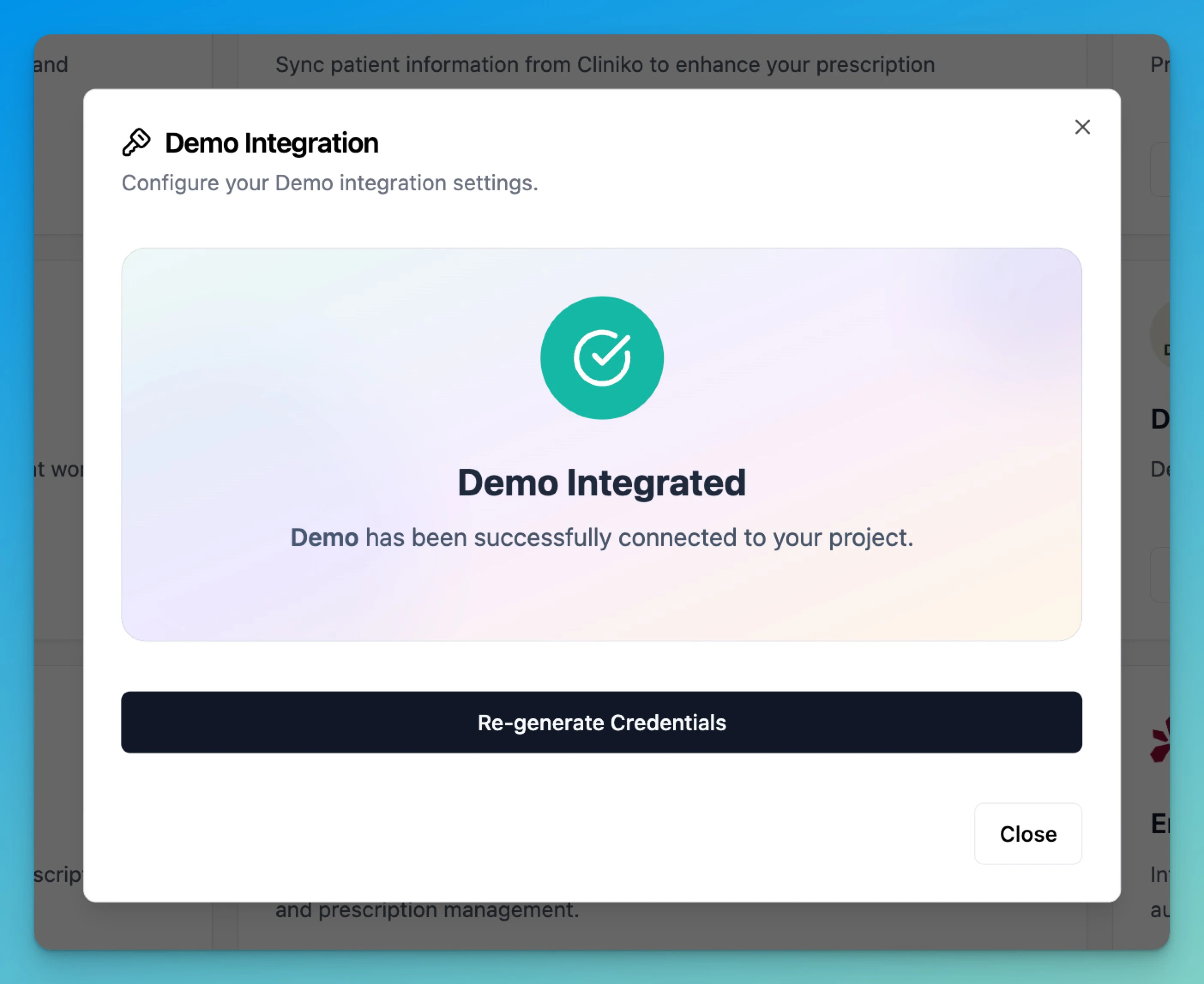
This enpoint allows partners to check if they have the right credentials and gives users an indication of successful integration.
Integration validated success message

Response Examples

Success Response (200 OK)

{
  "success": true,
  "statusCode": 200,
  "data": {
    "validated": true
  },
  "message": "Successfully validated token",
  "timestamp": "2024-01-15T10:30:00.000Z",
  "requestId": "req_1705312200000_xyz123"
}

Invalid Token (401 Unauthorized)

{
  "success": false,
  "statusCode": 401,
  "error": {
    "type": "https://parchment.health/errors/authentication-required",
    "title": "Unauthorized",
    "detail": "invalid token"
  },
  "timestamp": "2024-01-15T10:30:00.000Z",
  "requestId": "req_1705312200000_abc123"
}

Missing Organization Secret (401 Unauthorized)

{
  "success": false,
  "statusCode": 401,
  "error": {
    "type": "https://parchment.health/errors/authentication-required",
    "title": "Unauthorized", 
    "detail": "Missing x-organization-secret"
  },
  "timestamp": "2024-01-15T10:30:00.000Z",
  "requestId": "req_1705312200000_def456"
}

Validation Process

The endpoint performs an 8-step validation process:
  1. Organization ID Validation - Verifies organization ID parameter is present
  2. Organization Secret Check - Validates x-organization-secret header presence
  3. Bearer Token Check - Ensures Authorization header contains valid Bearer token
  4. JWT Token Verification - Verifies token signature using RS256 algorithm
  5. Partner Credentials Lookup - Retrieves partner metadata from database
  6. Organization Secret Validation - Compares hashed organization secret
  7. Scope Validation - Ensures token has required CREATE_PATIENT scope
  8. Organization Ownership Check - Verifies user access to their organization

Required Headers

HeaderRequiredDescription
AuthorizationYesBearer token with JWT authentication token
x-organization-secretYesOrganization-specific secret for validation
x-partner-secretDeprecatedUse x-organization-secret instead

Path Parameters

ParameterTypeRequiredDescription
organization_idstringYesUnique identifier for the organization

Status Codes

CodeStatusDescription
200OKToken successfully validated and organization marked as integrated
400Bad RequestDeprecated header used or invalid request format
401UnauthorizedInvalid token, missing credentials, or insufficient permissions
500Internal Server ErrorValidation service failure

Integration Side Effects

Upon successful validation, this endpoint automatically:
  • Marks Organization as Integrated: Updates the organization record with integrated PMS status
  • Logs Integration Event: Records “New Partner Integration” metric for monitoring
  • Enables Full API Access: Subsequent API requests will have full access to approved scopes

Error Handling

async function validateIntegration(organizationId, token, organizationSecret) {
  try {
    const response = await fetch(`/v1/organizations/${organizationId}/validate`, {
      method: 'GET',
      headers: {
        'Authorization': `Bearer ${token}`,
        'x-organization-secret': organizationSecret
      }
    });
    
    const result = await response.json();
    
    if (response.ok && result.success && result.statusCode === 200) {
      console.log('Integration validated successfully');
      console.log('Organization is now marked as integrated');
      return { validated: result.data.validated, message: result.message };
    } else {
      console.error('Validation failed:', result.error?.detail);
      
      // Handle specific error types
      switch (result.statusCode) {
        case 401:
          if (result.error?.detail?.includes('scope')) {
            console.error('Token missing required CREATE_PATIENT scope');
          } else if (result.error?.detail?.includes('secret')) {
            console.error('Invalid or missing organization secret');
          } else {
            console.error('Authentication failed - check token validity');
          }
          break;
        case 400:
          if (result.error?.detail?.includes('deprecated')) {
            console.warn('Update to use x-organization-secret header');
          }
          break;
        default:
          console.error('Unexpected validation error');
      }
      
      // Always log requestId for debugging
      console.log('Request ID:', result.requestId);
      return { validated: false, error: result.error };
    }
  } catch (error) {
    console.error('Network error during validation:', error);
    return { validated: false, error: 'Network error' };
  }
}

Integration Notes

  1. One-Time Setup: This endpoint is typically called once during initial integration setup
  2. Token Requirements: Ensure your JWT token includes the CREATE_PATIENT scope
  3. Organization Secret: Use the organization-specific secret, not the deprecated partner secret
  4. Automatic Integration: Successful validation automatically enables your organization for API access
  5. Debugging: Always log the requestId from error responses for support requests
  6. Token Expiry: Tokens are valid for 6 hours; validation will fail with expired tokens

Security Considerations

  • JWT Verification: Tokens are verified using RS256 algorithm with rotating public keys
  • Secret Hashing: Organization secrets are validated using HMAC-SHA256 with salt
  • Scope Enforcement: Only tokens with appropriate scopes can validate successfully
  • Organization Isolation: Users can only validate tokens for their own organizations

Authorizations

Authorization
string
header
required

Bearer authentication header of the form Bearer <token>, where <token> is your auth token.

Headers

x-organization-secret
string
required

Organization secret for authentication - provided by Parchment

Path Parameters

organization_id
string<uuid>
required

Organization ID

Response

Token validation successful and organization marked as integrated